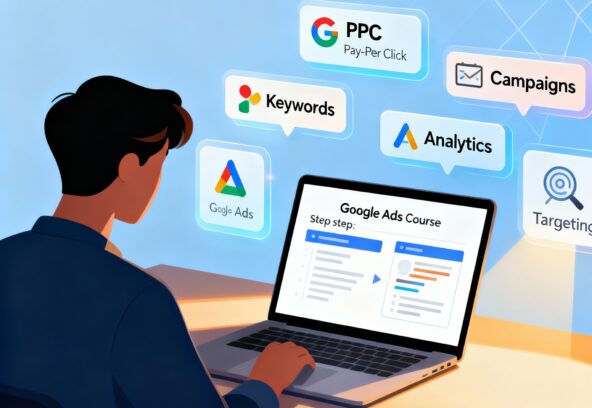



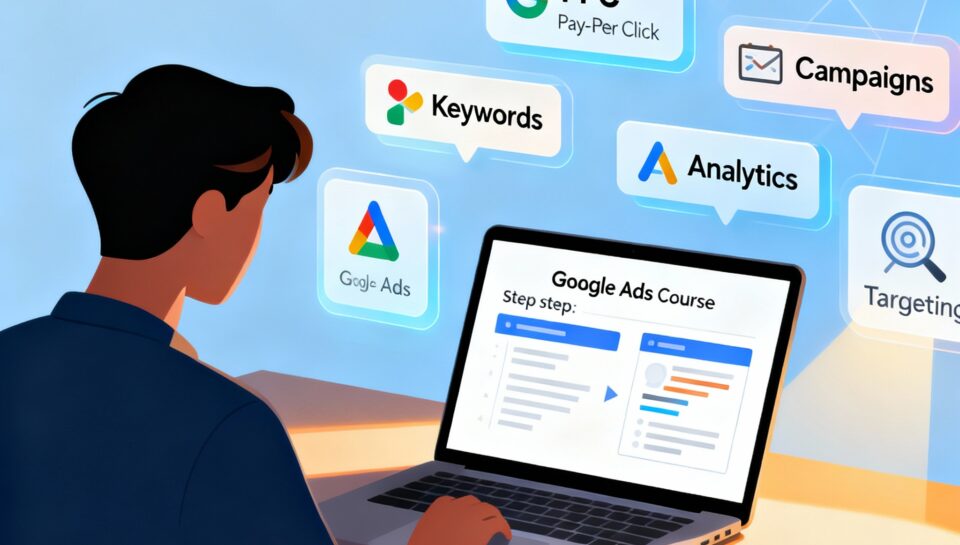
Introduction to Google Ads Courses
Digital advertising has become a necessity for businesses in 2025. With millions of people searching on Google daily, businesses need experts who know how to run profitable ad campaigns. This is where learning Google Ads comes in.
Why Learning Google Ads Is Important in 2025
Google Ads is one of the most powerful online advertising platforms. It allows businesses to reach their target audience instantly and measure results effectively. Unlike SEO, which takes time, Google Ads provides immediate visibility. That’s why companies are always looking for skilled professionals who can manage PPC (Pay-Per-Click) campaigns successfully.
Benefits of Taking a Google Ads Course
Enrolling in a Google Ads course helps beginners avoid costly mistakes. You learn how to set up campaigns properly, optimize ads, and track ROI. A structured course also provides real-world projects, making it easier to apply theory to practice. Plus, completing an official Google Ads certification boosts your credibility as a digital marketer.
Step 1 – Understand the Basics of Google Ads
Before you dive into courses, you need to understand what Google Ads is and how it works.
What Is Google Ads and How It Works
Google Ads is a pay-per-click (PPC) platform where advertisers bid on keywords. When users search for those keywords, Google displays your ads at the top of the search results. You only pay when someone clicks your ad. This makes it cost-effective, as you’re paying for results rather than exposure.
Different Campaign Types (Search, Display, Video, Shopping, App)
- Search Ads – Appear at the top of Google search results.
- Display Ads – Banner ads on partner websites across the internet.
- Video Ads – Shown on YouTube.
- Shopping Ads – For e-commerce businesses, showing product images, prices, and store details.
- App Ads – Designed to increase app downloads and engagement.
Each campaign type serves a different purpose, and a good course will teach you how to use them strategically.
Step 2 – Choose the Right Google Ads Course
Once you know the basics, the next step is choosing the right course.
Free vs. Paid Google Ads Courses
Free courses are great for beginners but often lack depth. Paid courses, on the other hand, provide advanced strategies, mentorship, and real-world projects. Depending on your goals, you can start with free resources and later invest in premium training.
Google Skillshop – Official Training from Google
The Google Skillshop is the best starting point. It offers free courses directly from Google, covering everything from basics to advanced campaign management. After completing the training, you can take certification exams recognized worldwide.
Online Learning Platforms (Udemy, Coursera, HubSpot, etc.)
Platforms like Udemy, Coursera, and HubSpot Academy also provide structured Google Ads courses. These often include lifetime access, case studies, and community support. Choosing the right one depends on your learning style and budget.
Step 3 – Set Up Your Google Ads Account
After selecting your course, you’ll need a Google Ads account to practice.
Creating a Google Ads Account
Go to ads.google.com and sign up with your Google account. The process is simple, and you’ll be guided step by step to create your first campaign.
Understanding the Dashboard and Navigation
The dashboard is where you’ll manage campaigns, view reports, and adjust settings. A good course will walk you through each section so you can navigate confidently.
Setting Up Billing and Preferences
Before running ads, you’ll need to set up billing. You can choose between manual and automatic payments. Understanding your billing settings ensures you don’t overspend and stay within budget.
Step 4 – Learn Keyword Research for Ads
Keywords are the foundation of any successful Google Ads campaign. Without the right keywords, your ads won’t reach the right audience.
Importance of Keywords in Google Ads
Keywords connect your ads with what users are searching for. For example, if you’re advertising “digital marketing services,” you need to target keywords like “best digital marketing agency” or “affordable marketing services.” A Google Ads course will teach you how to select profitable keywords that balance search volume and competition.
Using Google Keyword Planner
Google Keyword Planner is a free tool built into Google Ads. It helps you find new keyword ideas, check monthly search volumes, and see estimated costs per click (CPC). A good practice is to mix high-volume keywords with long-tail keywords (more specific search phrases) to capture a wider audience.
Match Types (Broad, Phrase, Exact) Explained
- Broad Match: Shows your ads for variations and related searches (widest reach but less control).
- Phrase Match: Ads appear for searches that include your keyword in the same order.
- Exact Match: Ads only appear when the exact keyword is typed (most precise).
A well-structured campaign often uses a combination of all three match types to balance reach and relevance.
Step 5 – Master Ad Creation
Creating ads that people want to click on is both an art and a science.
Writing Effective Ad Copy
Your ad copy must grab attention, build trust, and drive action. Strong headlines, persuasive descriptions, and a clear call-to-action (CTA) like “Sign Up Today” or “Get a Free Quote” can significantly improve performance. Courses often include exercises to practice writing ad copy that converts.
Using Extensions for Better Visibility
Ad extensions give you extra space to include more information. Some popular extensions include:
- Sitelink Extensions: Direct users to specific pages.
- Call Extensions: Add a clickable phone number.
- Location Extensions: Show your business address.
- Price Extensions: Highlight product pricing.
Extensions increase ad visibility, click-through rates, and conversions.
Landing Page Optimization
A great ad won’t help if your landing page is weak. This section teaches how to design landing pages that load quickly, match ad intent, and have a clear conversion goal. For example, if your ad promotes a free trial, the landing page should highlight the trial offer and make sign-up effortless.
Step 6 – Learn Campaign Structure and Settings
Google Ads campaigns follow a hierarchy: Campaign > Ad Groups > Ads.
Campaigns, Ad Groups, and Ads Explained
- Campaigns: The highest level, where you set goals, budgets, and campaign types.
- Ad Groups: Organize ads by keyword themes.
- Ads: Actual text or display ads shown to users.
Keeping campaigns organized helps in tracking performance and managing budgets efficiently.
Targeting Options – Location, Audience, and Devices
Targeting ensures your ads reach the right people. You can choose to show ads by:
- Location: Specific countries, cities, or even a radius around your business.
- Audience: Based on interests, demographics, or past website visits (remarketing).
- Devices: Show ads on mobile, desktop, or both depending on your audience behavior.
Budgeting and Bidding Strategies
Budgeting determines how much you’re willing to spend daily. Bidding strategies decide how Google places your ad in auctions. Common bidding types include:
- Manual CPC: You control the maximum bid per click.
- Target CPA: Optimize for cost per acquisition.
- Target ROAS: Focus on return on ad spend.
- Maximize Conversions: Google’s AI optimizes bids automatically.
A good Google Ads course explains which strategy works best depending on your campaign goals.
Step 7 – Track and Analyze Campaign Performance
Running ads is only half the battle—you need to measure results to improve.
Using Google Analytics with Google Ads
Integrating Google Analytics with Google Ads gives deeper insights into user behavior. You can see how visitors interact with your site after clicking your ad, track conversions, and identify which campaigns perform best.
Understanding CTR, CPC, and Conversion Rate
- CTR (Click-Through Rate): Percentage of users who clicked your ad.
- CPC (Cost Per Click): How much you pay for each click.
- Conversion Rate: Percentage of clicks that resulted in your desired action (purchase, signup, download).
Monitoring these metrics helps in fine-tuning ad copy, targeting, and budget allocation.
A/B Testing for Better Results
Also known as split testing, A/B testing compares two variations of an ad to see which performs better. You might test different headlines, CTAs, or landing page designs. Over time, these tests help you optimize for higher conversions and lower costs.
Step 8 – Practice with Real Campaigns
Theory is important, but real-world practice makes you an expert.
Running Small Test Campaigns
Start with small budgets—maybe $5 to $10 a day. This allows you to test strategies without risking too much money. Beginners can practice with local ads or small projects to see immediate results.
Learning from Mistakes and Optimizing
No campaign is perfect at the start. You’ll likely see wasted spend, irrelevant clicks, or low conversion rates. The key is learning from mistakes—analyzing reports, identifying weak areas, and making adjustments.
Scaling Campaigns for Bigger Results
Once you find a winning strategy, you can increase budgets and expand campaigns. Scaling can mean targeting new locations, adding more keywords, or testing additional ad formats. This is where Google Ads starts generating serious revenue.
Mastering Google Ads through a structured course and real practice equips you with the skills to create, manage, and optimize campaigns that deliver business results.